









 Google Workspace Overview
 Gmail
Gmail
 Google Calendar
 Google Drive
 Google Editors
 Google Docs
 Google Sheets
 Google Slides
 Google Forms
 Google Sites
 Google Keep
 Google Vids
 Google Chat
 Google Admin
 Endpoint Management
 Remote Desktop
 Looker Studio
 Apps Script
 Workspace Studio
 Vault
Vault AppSheet
 Gemini
 Gemini Notebook
 Pricing
 Google Cloud Overview
 Cloud Run
 Compute Engine
 Cloud Storage
 BigQuery
 Google Kubernetes Engine
 Looker
 Apigee API Management
 Cloud SQL
 Gemini Enterprise
 Cloud CDN
 Microsoft
365 Overview
Microsoft
365 Overview Microsoft Outlook
 Microsoft Teams
 Microsoft Excel
 Microsoft Word
 Microsoft OneDrive
 Microsoft PowerPoint
 Microsoft SharePoint
Launch Sites Without IT Support
Anyone in the organization can create high-quality intranets, project hubs, and training portals in Google Sites, no coding involved.
Drag-and-drop tools make assembling pages fast across teams.
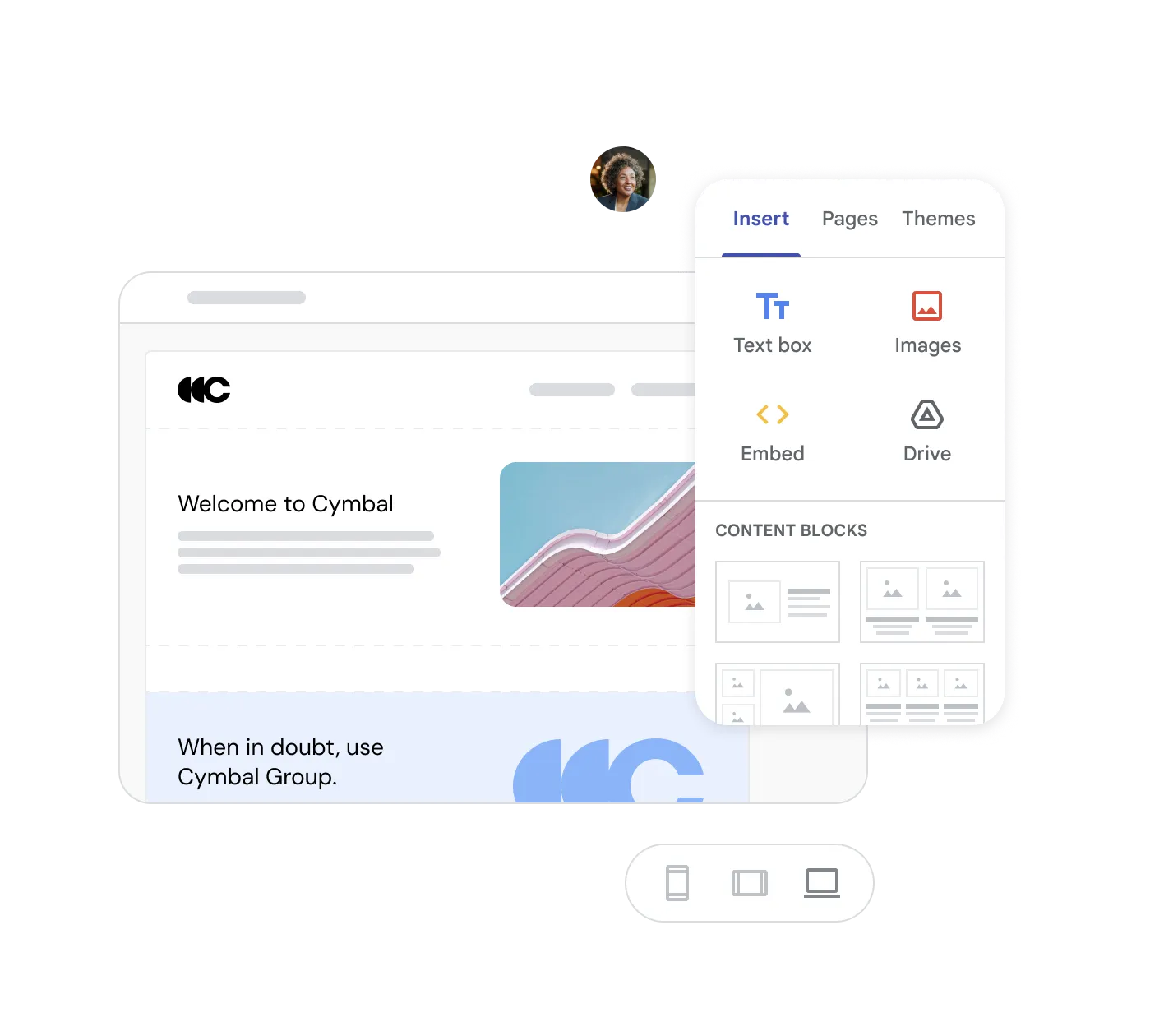
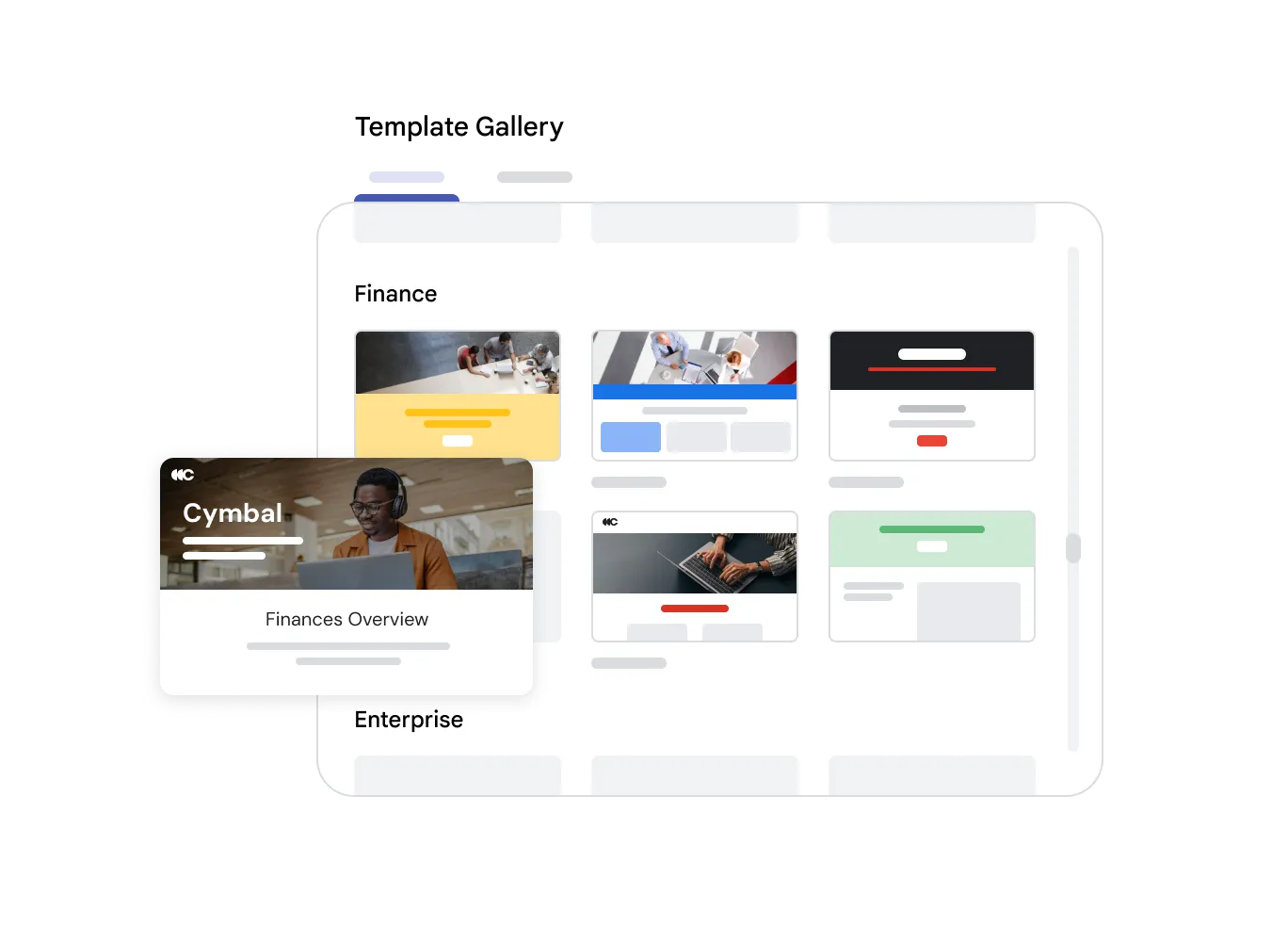
Customizable Templates for Every Purpose
Tailor Google Sites to your specific requirements. Choose from ready-made templates or start from scratch with your brand's colors and fonts.
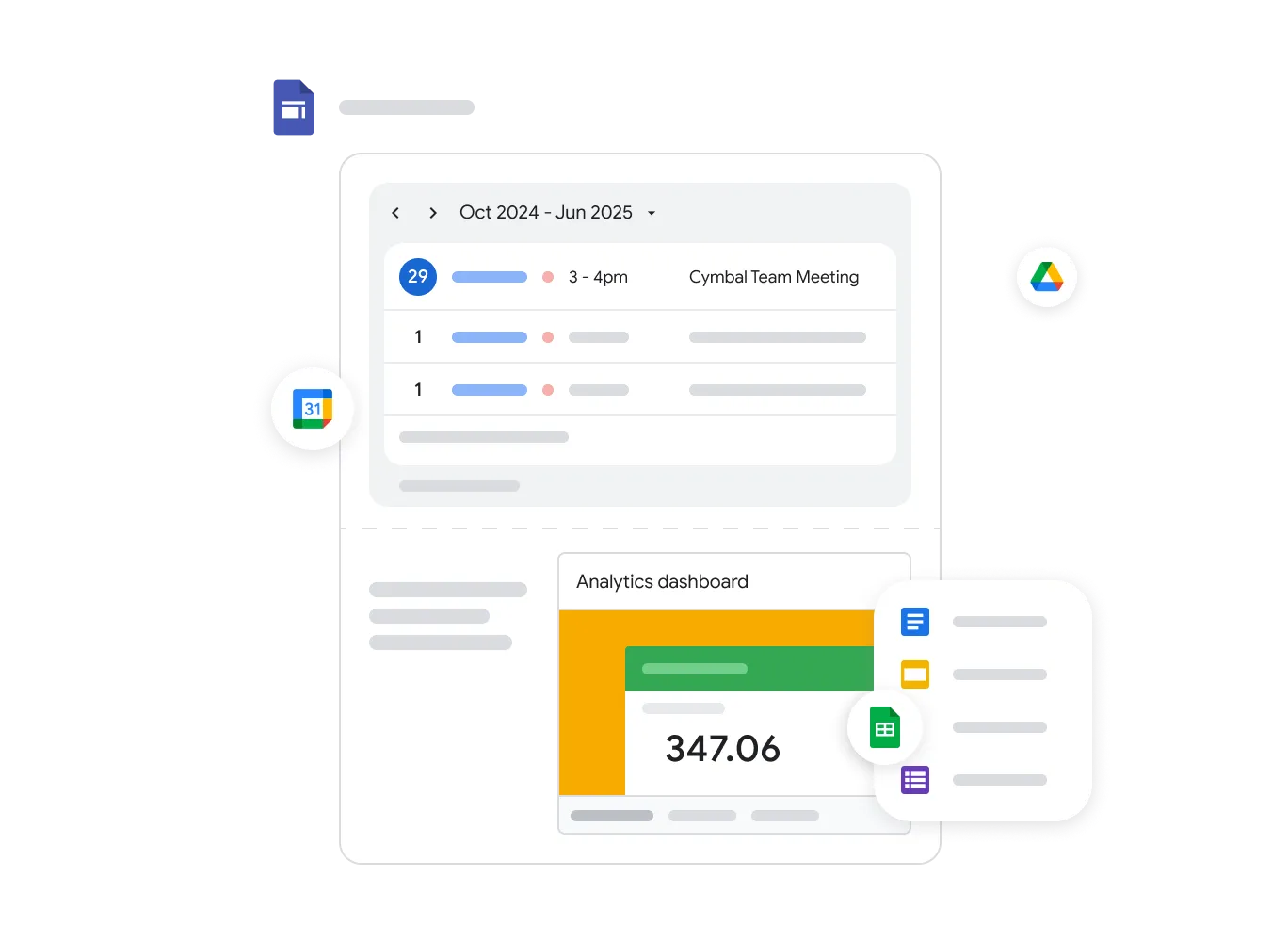
Deep Integration with Google Workspace
Embed files directly from Google Drive, spreadsheets from Sheets, presentations from Slides, and calendars. A unified ecosystem makes content management and updates possible in seconds.
Secure Access Control
Stay in control of who views your site: make it public for everyone, or restrict access to your company's domain employees only.
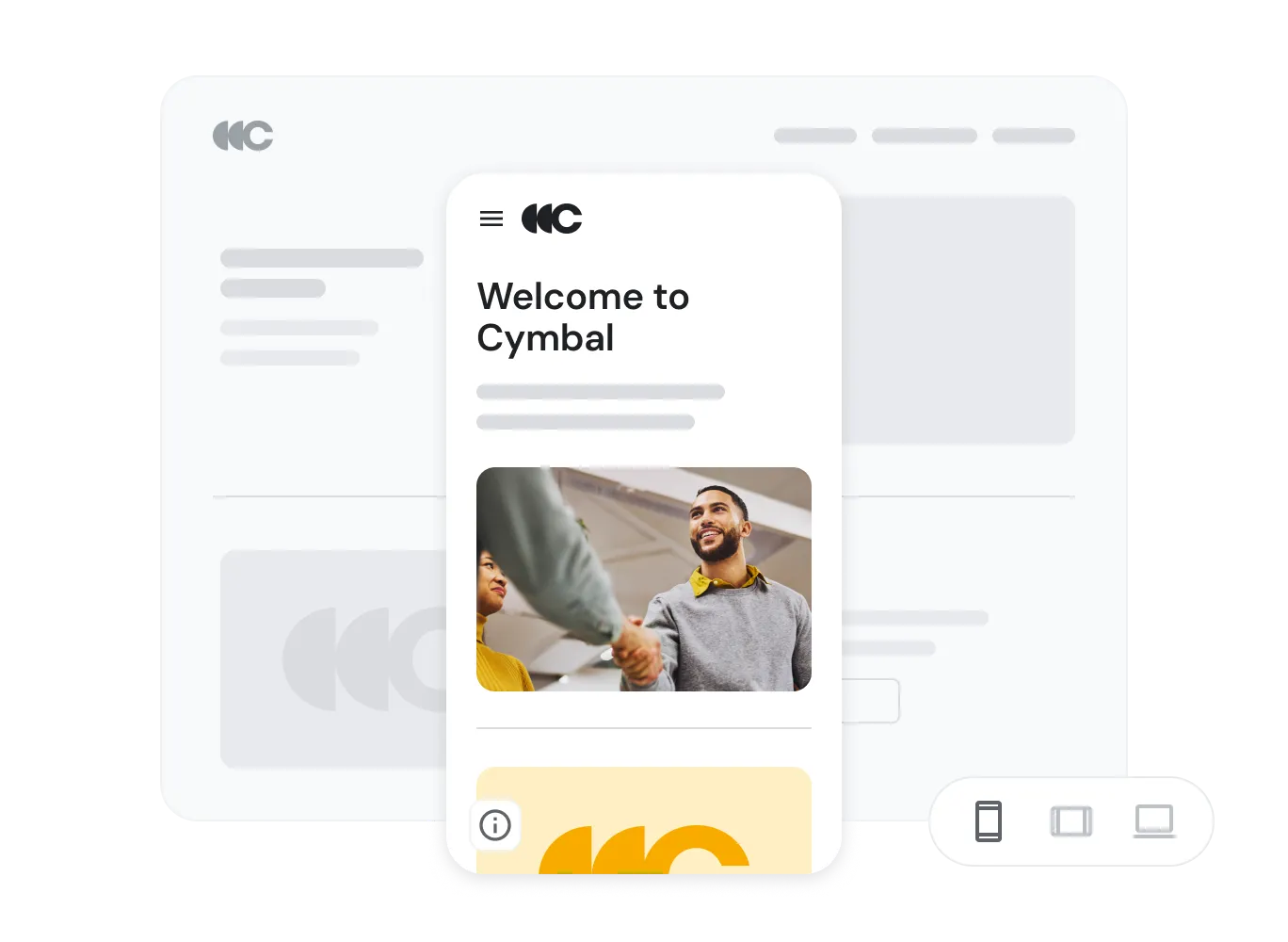
Improve Internal and External Communication
Enhance communication by building internal intranet sites for departments, or create compelling landing pages for external audiences.
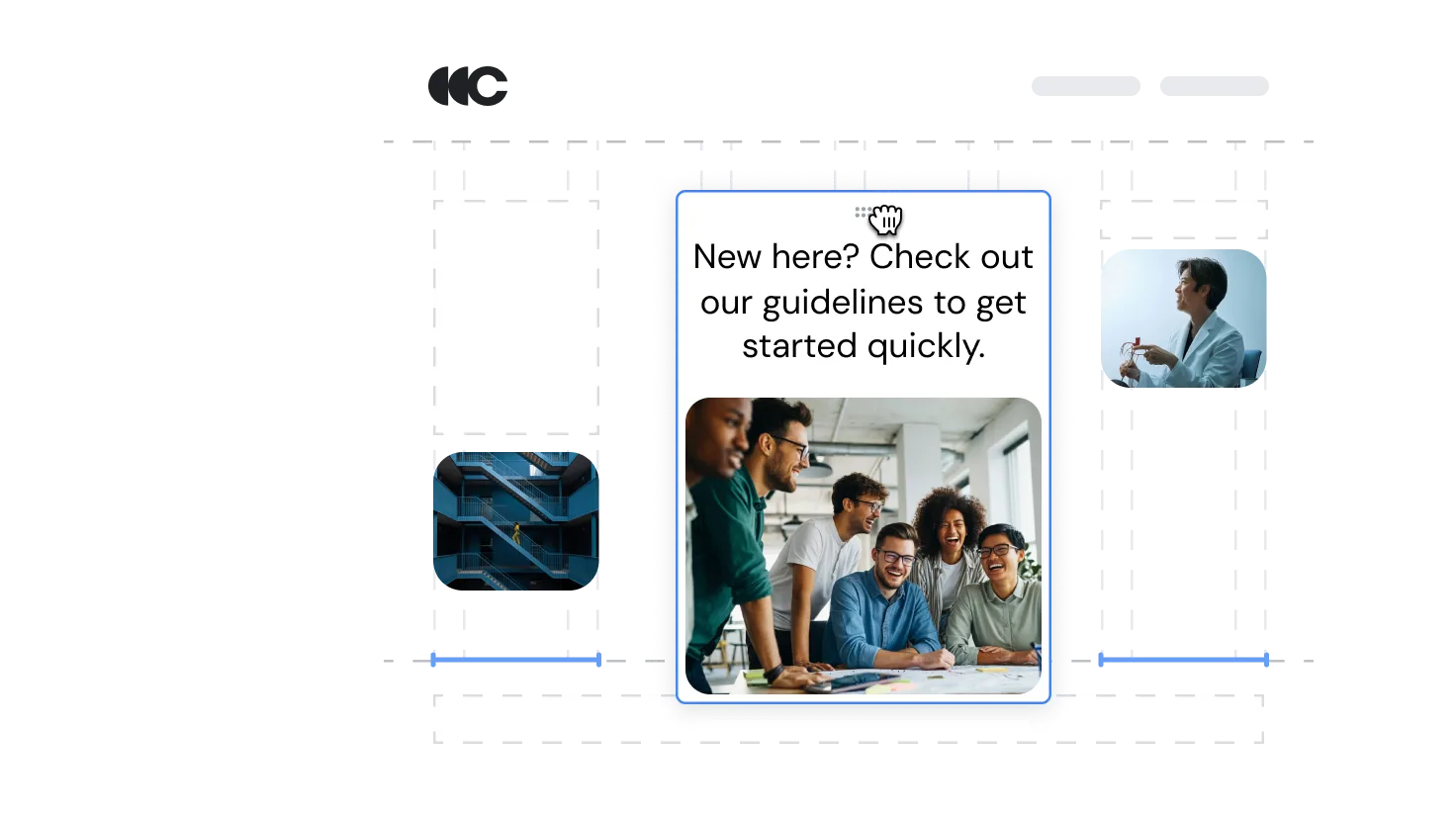
- Build No-Code
- Create beautiful websites without programming or IT knowledge using an intuitive builder. Layouts automatically adapt to mobile and desktop.
- Secure & Private
- Protect your site for internal use - the ideal tool for company knowledge bases and internal portals.
- Collaborative Editing
- Teams draft intranet pages together, exactly as they would co-author a Google Doc.
Google Sites FAQ
Google Sites
No. Google Sites runs entirely on Google's secure infrastructure at no additional cost for Workspace users.
It can support simple public sites, but its strength is as an internal tool - corporate intranets, onboarding portals, and project hubs.
Yes. Google Analytics integrates readily to track page views and engagement across a site.
Yes. A core team can be granted edit access while the rest of the organization receives view-only access.
Build Your Organization's Intranet
Let Geosoft configure a secure Google Workspace environment for your enterprise.