









 Google Workspace Overview
 Gmail
Gmail
 Google Calendar
 Google Drive
 Google Editors
 Google Docs
 Google Sheets
 Google Slides
 Google Forms
 Google Sites
 Google Keep
 Google Vids
 Google Chat
 Google Admin
 Endpoint Management
 Remote Desktop
 Looker Studio
 Apps Script
 Workspace Studio
 Vault
Vault AppSheet
 Gemini
 Gemini Notebook
 Pricing
 Google Cloud Overview
 Cloud Run
 Compute Engine
 Cloud Storage
 BigQuery
 Google Kubernetes Engine
 Looker
 Apigee API Management
 Cloud SQL
 Gemini Enterprise
 Cloud CDN
 Microsoft
365 Overview
Microsoft
365 Overview Microsoft Outlook
 Microsoft Teams
 Microsoft Excel
 Microsoft Word
 Microsoft OneDrive
 Microsoft PowerPoint
 Microsoft SharePoint
Data Analysis Across Teams
Across the organization, finance and operations analysts open the same dataset side by side, with nothing locked while they work.
Changes surface in real time, personal filter views leave shared data untouched, and built-in comments keep every remark next to the figure it concerns.
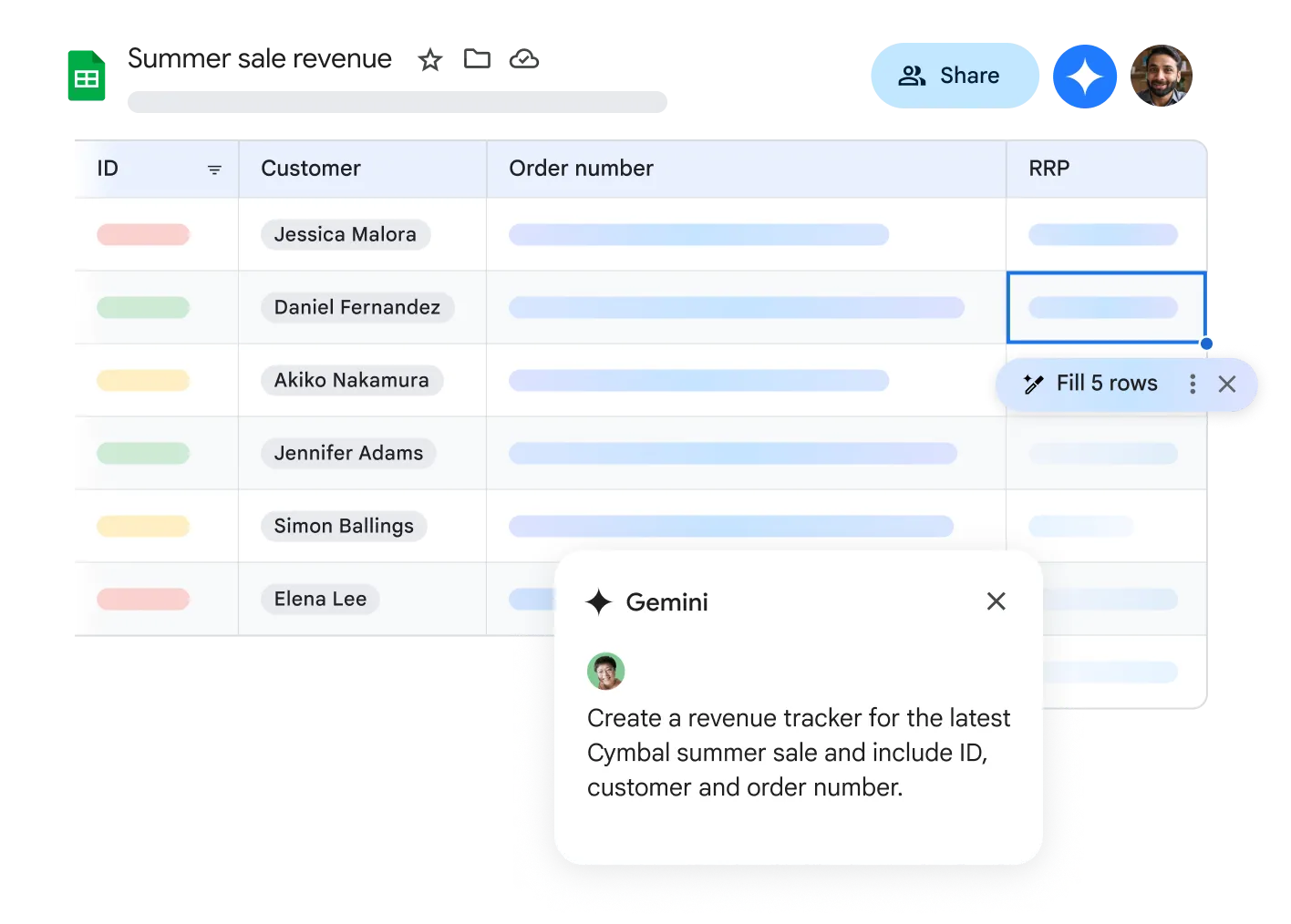
Access and Analyze from Anywhere
With Google Sheets, you can access your spreadsheets from any internet-connected device. The offline mode keeps you productive even without an internet connection.
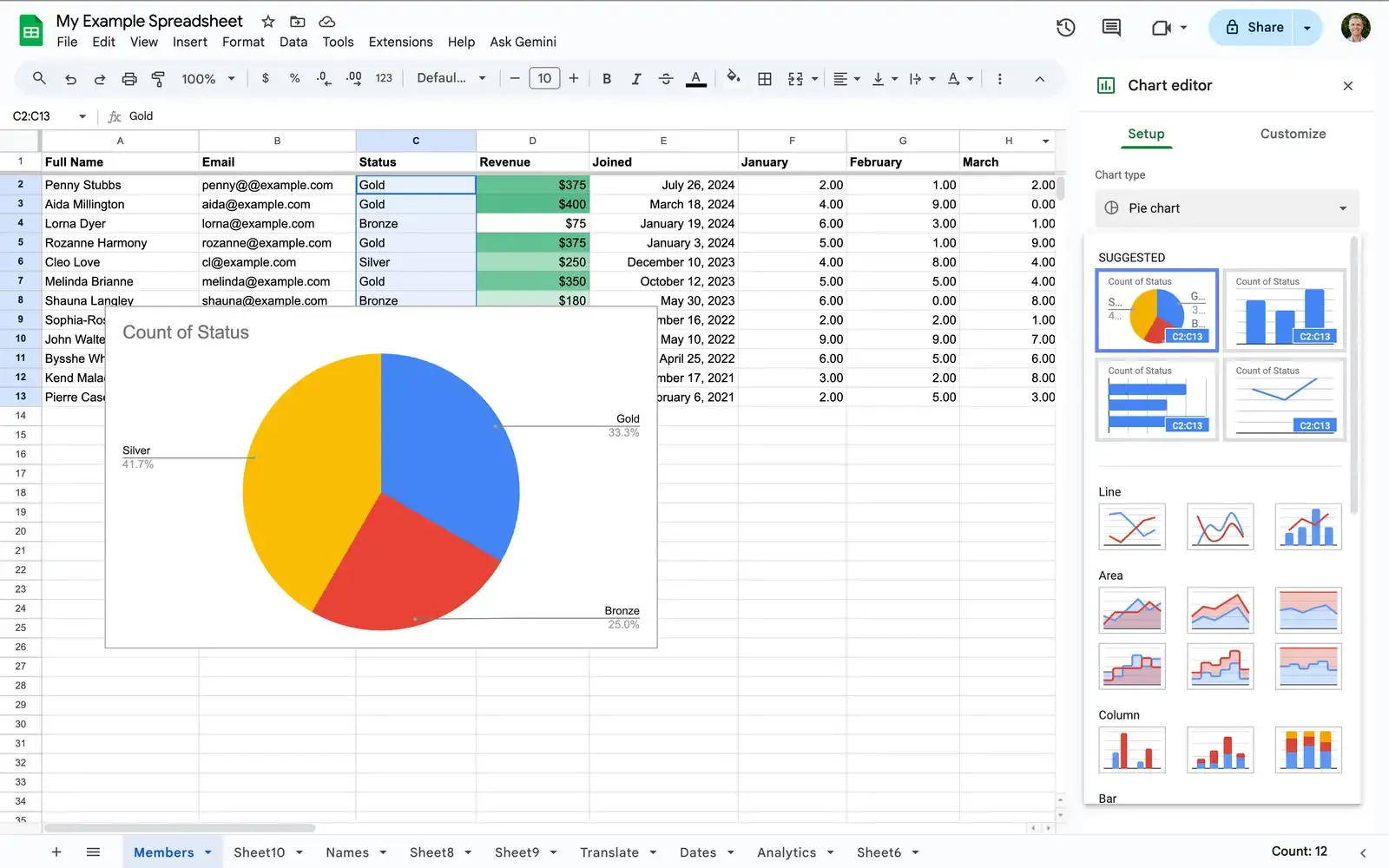
Seamless Google Workspace Integration
Google Sheets works seamlessly with other Google services. Store files in Drive, use Forms for automatic data collection, or embed spreadsheets directly into Docs and Slides.
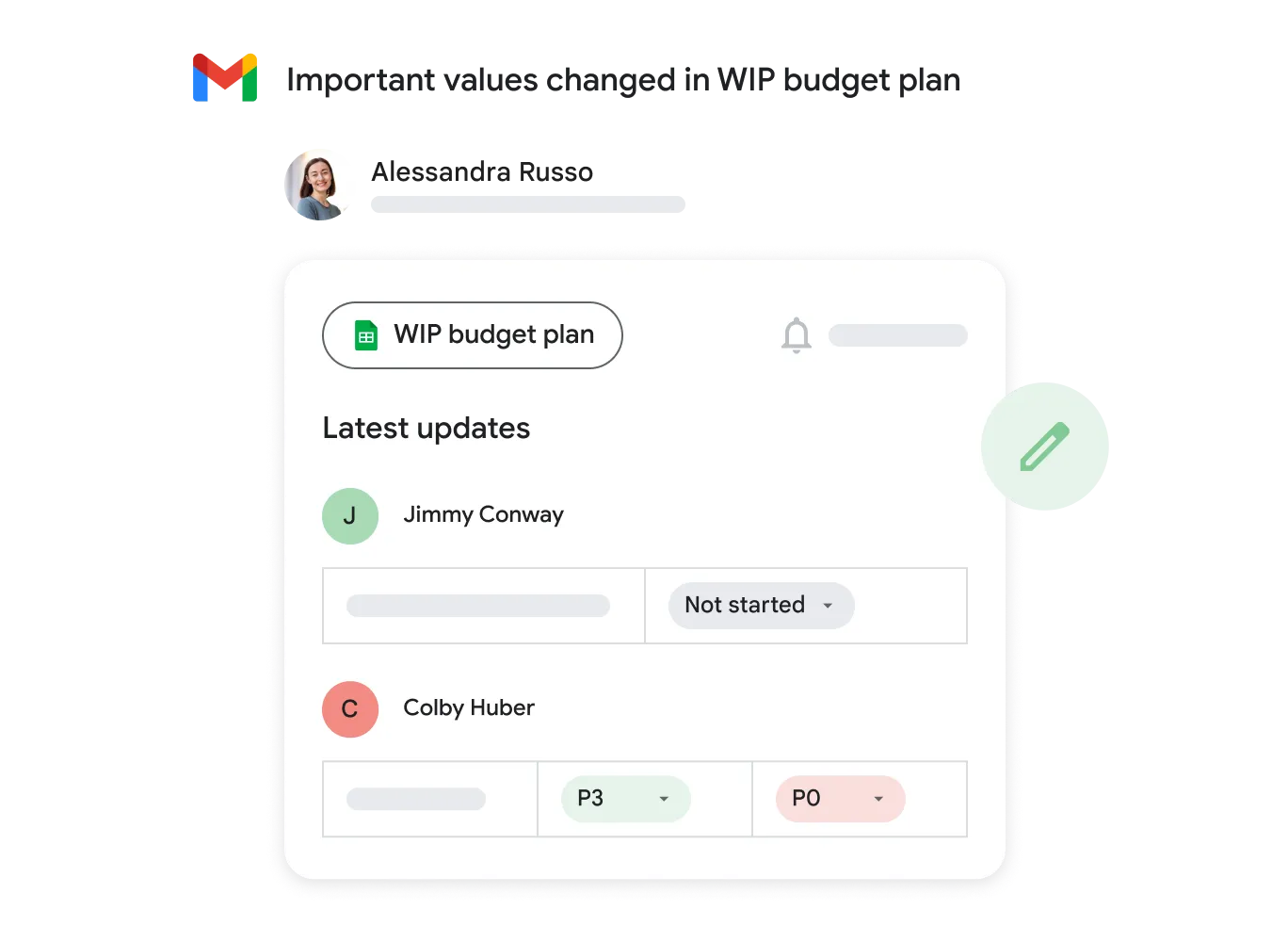
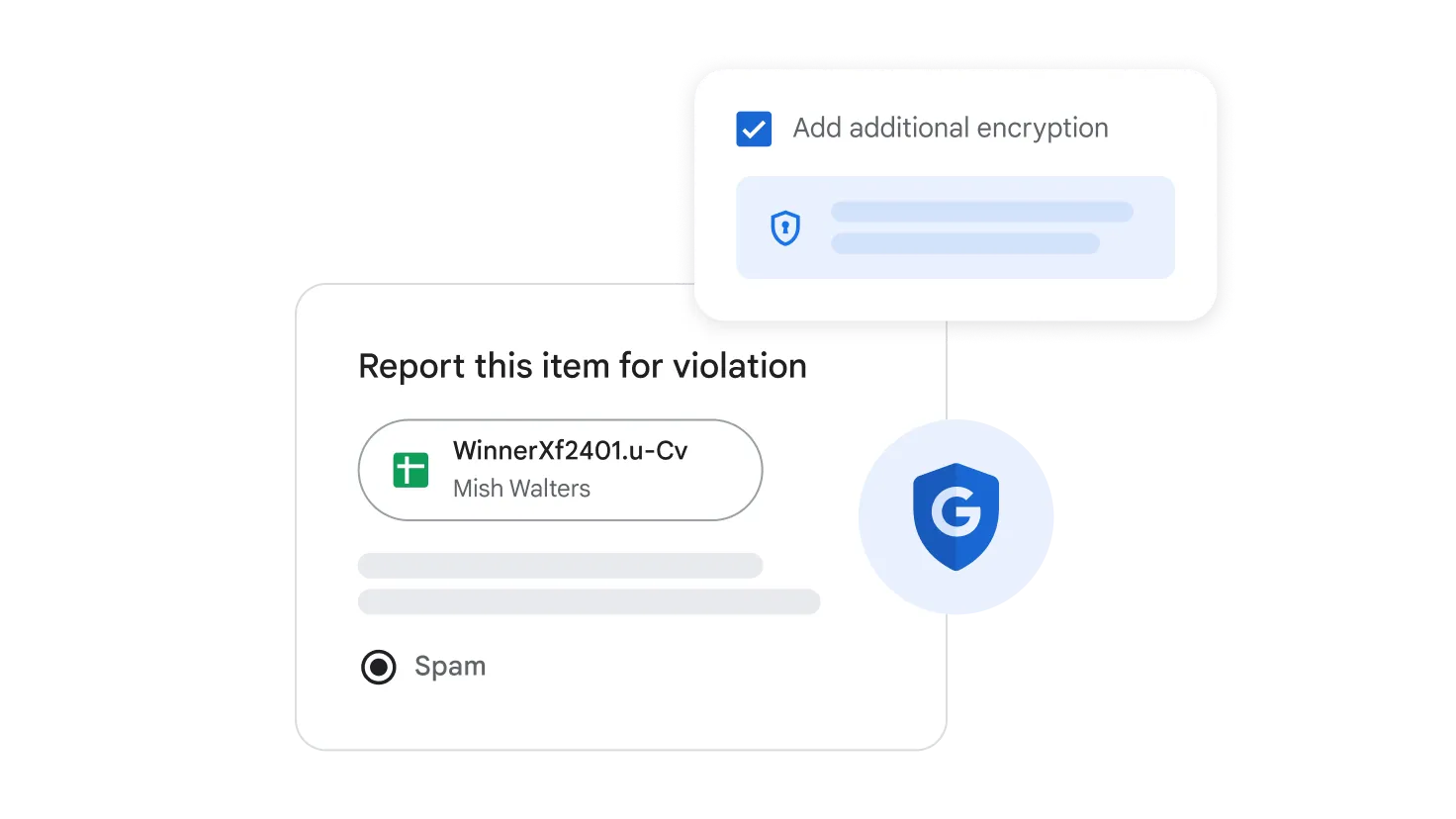
Powerful Data Security
Keep your data protected with Google's industry-leading security standards. Control access, set permissions at the cell, column, or sheet level, and protect sensitive information.
Native Excel Compatibility
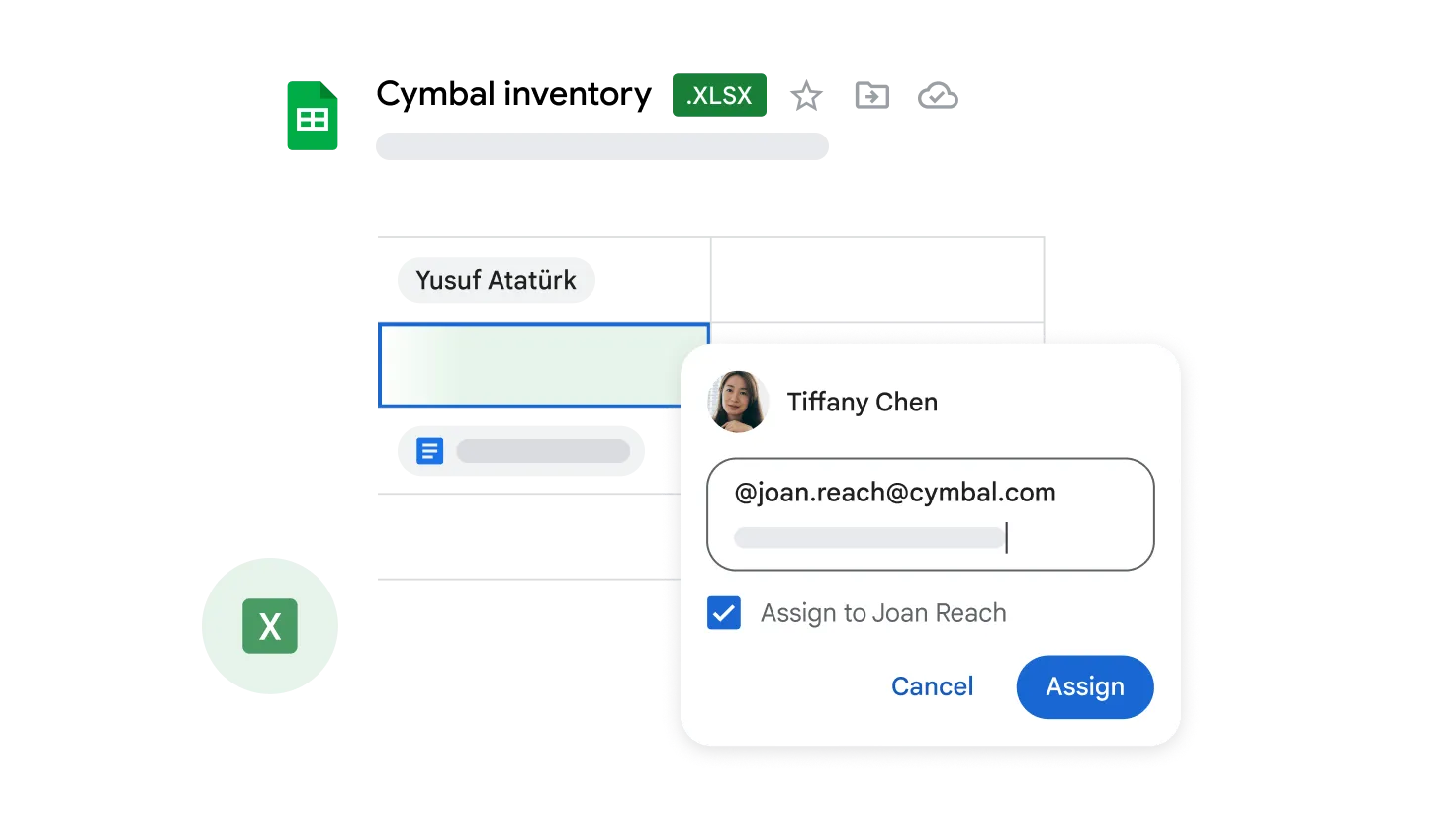
Microsoft Excel (.xlsx) files import and export without effort, and Sheets edits them in place - no conversion required before your teams can work.
- Real-Time Collaboration
- Work together on online spreadsheets. See changes instantly with comments placed directly in cells.
- Smart Functions & Formulas
- Hundreds of built-in formulas, Pivot Tables, and AI-powered Smart Fill for pattern recognition.
- Cross-Device Access
- The Sheets mobile app puts critical dashboards a glance away before an executive meeting.
Questions About Sheets
Google Sheets
A cloud-native foundation delivers real-time collaboration at scale, updates that deploy instantly to everyone, and direct BigQuery integration for very large datasets.
Yes. Macros cover the routine cases, and custom Google Apps Script automates complex organizational workflows and integrates with external APIs.
Version History records who changed what and restores the entire workbook to any earlier state instantly.
Yes - lock chosen ranges, hide sheets, or place the whole workbook in view-only mode for specific users.
Advance Your Analytics
Geosoft delivers enterprise deployment and training for organizations adopting Google Workspace.